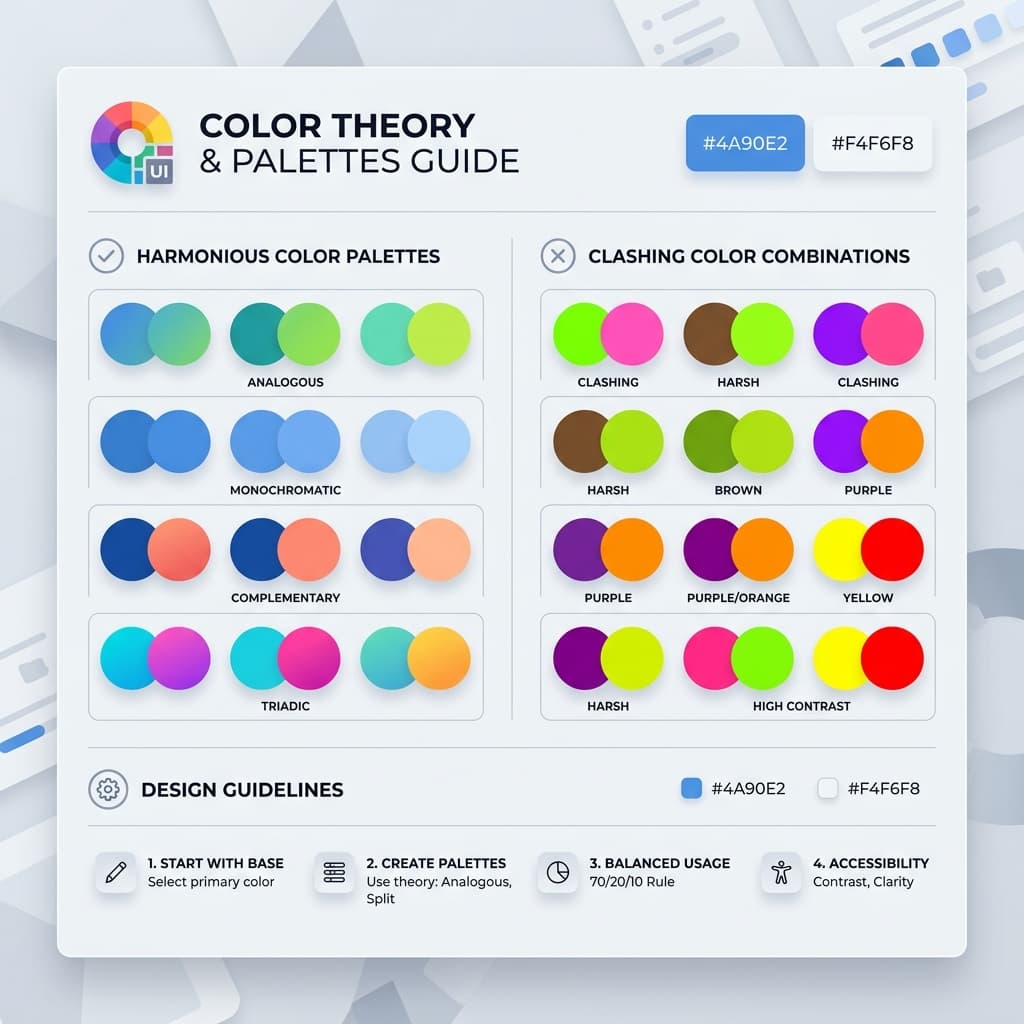
Color can make or break a UI faster than almost anything else. You can have a perfect grid and beautiful typography, but if your colors are off, your app is going to look cheap and amateur.
The trickiest part is that color mistakes are often hard to pinpoint for developers, but your users feel them instantly. Having built countless themes and analyzed systems used by companies like Stripe, Linear, and Vercel, I've noticed five common traps that developers keep falling into. Here is how to spot and fix them in your own projects.
Mistake 1: Using Your Brand Color for Everything
This is the most common mistake, and the most damaging. A developer picks a beautiful brand color (say, a vivid indigo like #4F46E5) and then uses it for backgrounds, cards, borders, text, and buttons. The result feels visually noisy, unprofessional, and exhausting to look at.
Why this happens: When you find a color you love, it's tempting to lean on it everywhere. It feels consistent. But consistency and repetition are not the same thing. Vibrant, saturated colors are psychologically designed to draw attention. When everything draws attention, nothing does.
The Fix: The 60/30/10 Rule
Professional designers use a strict hierarchy:
- 60% Neutral Base: Whites, light grays, or dark surfaces.
- 30% Secondary Neutral: Slightly tinted grays for cards and borders.
- 10% Brand Color: Reserved ONLY for primary buttons, active states, and highlights.
@theme {
  /* 60% - Base surfaces */
  --color-bg-default: oklch(98% 0.005 240);
  --color-bg-subtle:  oklch(96% 0.008 240);

  /* 30% - Secondary surfaces */
  --color-bg-muted:   oklch(93% 0.010 240);
  --color-border:     oklch(88% 0.012 240);

  /* 10% - Brand accent (use sparingly!) */
  --color-brand:      oklch(55% 0.22 263);
}
Mistake 2: Ignoring WCAG Contrast Ratios
Light gray text on a white card. Soft blue text on a light blue badge. These look elegant in a Figma mockup at full brightness on a calibrated monitor. They are completely unreadable on a phone screen in daylight, or for the 300+ million people worldwide who have some form of color vision deficiency.
The WCAG 2.1 Standard defines minimum contrast ratios that your UI must meet to be considered accessible. For normal body text, you must hit a 4.5:1 ratio. For UI components and large text, 3.0:1 is the minimum.
Real-World Contrast Comparison:
❌ FAILS (2.3:1 Ratio)
✅ PASSES (5.8:1 Ratio)
The Fix: Stop checking contrast by eye. Use automated tools during palette creation. In TailwindThemeMaker, every generated color pair is automatically audited. If a combination fails, the tool flags it visually so you can adjust before you've written a single component.
Mistake 3: Over-Saturated Background Colors
High-saturation colors cause eye fatigue when they occupy large screen areas. They also make foreground text harder to read, regardless of the contrast ratio, because the eye is constantly trying to "neutralize" the color signal from the background. This is a physiological response, not a subjective preference.
Instead of using your full brand color as a background, use a heavily desaturated, high-lightness tint of it. This gives you brand presence without visual noise.
@theme {
  /* ❌ Saturated - causes fatigue */
  --color-feature-bg-bad: oklch(55% 0.22 263);

  /* ✅ Desaturated tint - brand personality without noise */
  --color-feature-bg-good: oklch(96% 0.03 263);
}
Mistake 4: Mixing Warm and Cool Neutrals Randomly
This is the most "invisible" mistake. A site that mixes warm gray text (stone-700) with a cool gray border (slate-200) and a neutral gray background (gray-100) feels subtly "off." It feels like it was assembled from different design systems.
The Fix: Match Your Neutrals to Your Brand Hue. Before you write any component code, decide on your neutral family and never mix it. Tailwind's scales have distinct temperatures: Slate is cool, Stone is warm, Zinc is neutral-cool. Choose the one that matches your brand hue.
Mistake 5: Building a Palette Without a Full 10-Shade Scale
Many developers define 3-4 hex codes, including a primary color, a secondary, a background, and a text color - and call it a theme. When they start building components, they immediately run out of colors. The hover state ends up being a random darker version. The disabled state is just gray because there's no light brand variant.
The key to a perceptually uniform scale is using OKLCH instead of Hex or HSL. In HSL, yellow and blue with the same "lightness" look wildly different in brightness. In OKLCH, equal lightness values look equally bright to the human eye.
A Professional 10-Shade Scale Roles:
- 50-100: Page background tints, subtle surface fills.
- 200-300: Borders, dividers, and disabled states.
- 500: Brand default - your primary buttons.
- 600-700: Hover and active (pressed) states.
- 800-950: Dark headings and high-contrast text.
Color is not decoration. It's a system. By starting with a well-structured, 10-shade OKLCH scale and sticking to a 60/30/10 hierarchy, you stop making one-off design decisions and start working from a unified system.
