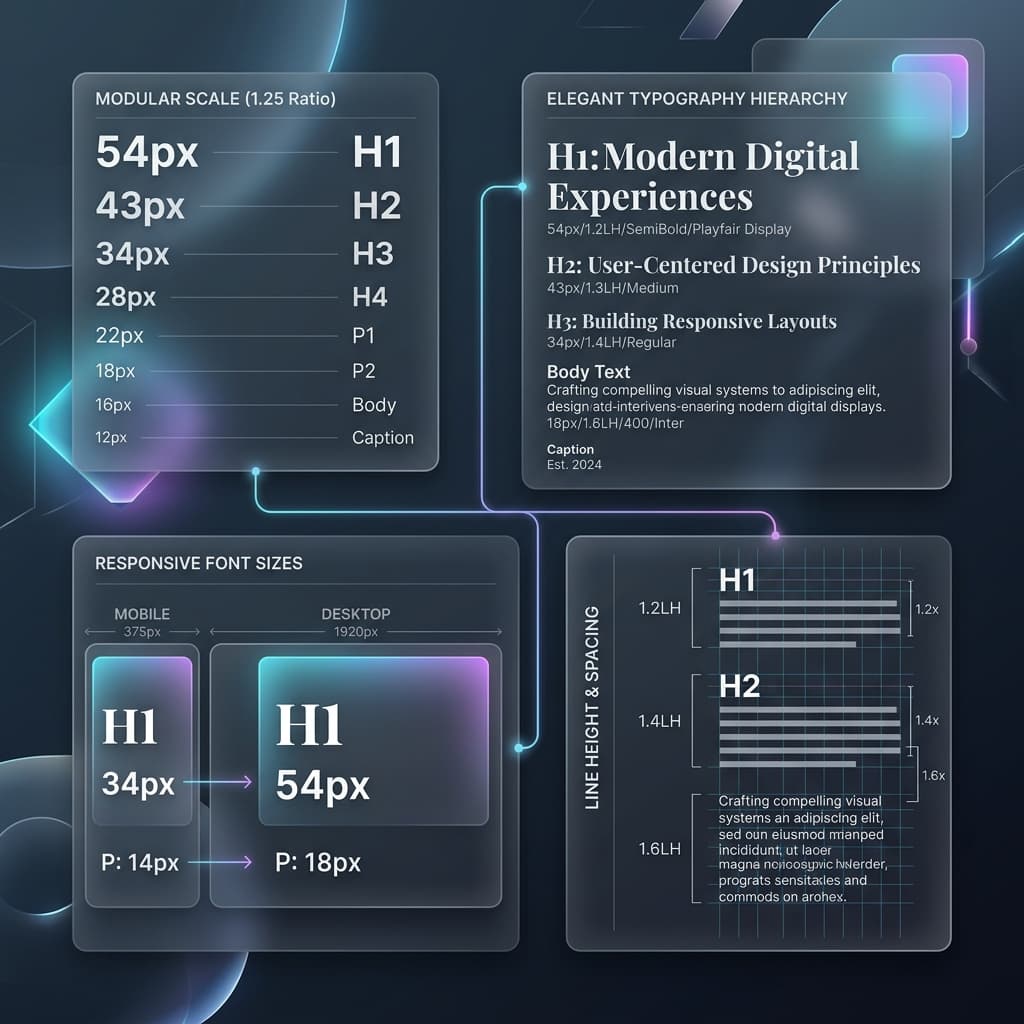
Ever look at a web interface and feel like something is slightly off, even if you can't quite pinpoint what? More often than not, the culprit is messy typography. Using random sizes like 13px, 17px, 22px, and 40px breaks the visual rhythm and makes your layout feel amateur.
Typographic consistency is what separates premium products from amateur designs. By using a Modular Scale, we apply a consistent mathematical ratio to establish perfect visual hierarchy. Let's see how to implement this in code.
The Concept: Ratios and Musical Intervals
A modular scale starts with a base font size (typically 16px or 1rem) and scales up or down by a fixed geometric multiplier. These multipliers correspond to natural harmonic intervals, ensuring text feels balanced and cohesive:
- Major Second (1.125): Subtle differences. Excellent for dense dashboards and administrative tools.
- Major Third (1.250): The "Goldilocks" ratio. Perfect for SaaS platforms, landing pages, and blogs.
- Golden Ratio (1.618): Highly dramatic. Perfect for editorial sites, high-end design portfolios, and creative marketing.
Declaring a Modular Scale in Tailwind v4
To implement your scale, declare your typographic steps directly inside your CSS @theme block. This maps clean relative sizes to standard Tailwind typography utility classes:
@theme {
  --font-size-xs: 0.8rem;
  --font-size-base: 1rem;       /* 16px Base */
  --font-size-md:   1.25rem;    /* base * 1.25 (Major Third) */
  --font-size-lg:   1.563rem;   /* md * 1.25 */
  --font-size-xl:   1.953rem;   /* lg * 1.25 */
  --font-size-xxl:  2.441rem;   /* xl * 1.25 */
}
By defining these steps mathematically, every header, subhead, and paragraph matches a unified rhythm, creating a premium visual layout naturally.
