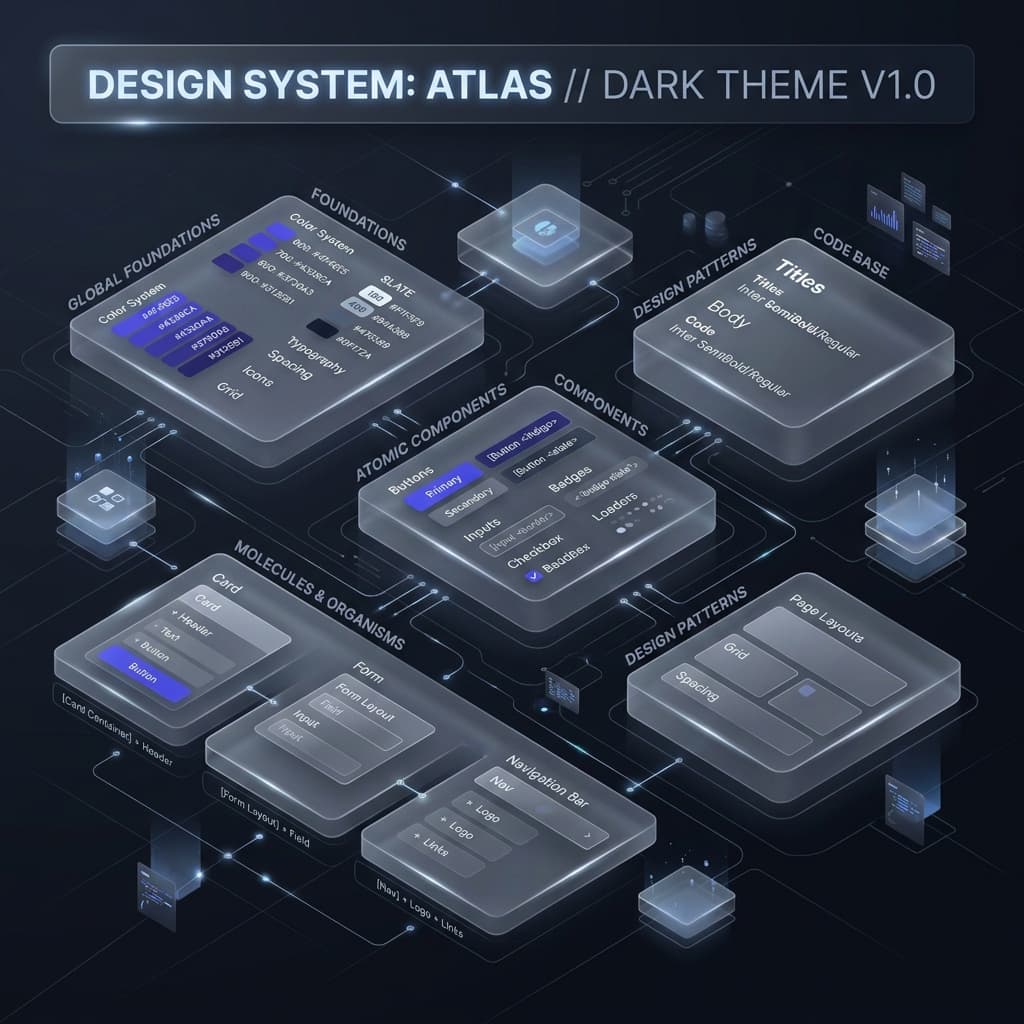
Managing a style system for a small app is easy. But scaling it across multiple teams, sub-brands, and hundreds of components is a completely different challenge. The old way of using one massive JavaScript config file in v3 quickly became a major bottleneck.
As enterprise codebases grow, maintainability, build speeds, and theme consistency become major engineering priorities. Let's explore how Tailwind CSS v4's CSS-first architecture simplifies this scaling challenge.
Modular CSS Token Structuring
In older Tailwind setups, all customization lived in tailwind.config.js. In large organizations, this file became a massive, multi-thousand-line monster that was prone to syntax conflicts. In v4, we split these tokens into clean, modular CSS stylesheets using standard CSS @import layers:
/* tokens/colors.css */
@theme {
  --color-brand-500: oklch(0.62 0.17 256);
}

/* tokens/typography.css */
@theme {
  --font-sans: 'Inter', sans-serif;
}

/* main.css */
@import "tailwindcss";
@import "./tokens/colors.css";
@import "./tokens/typography.css";
Rigid Semantic Layering
The golden rule of enterprise design systems is Semantic Abstraction. Developers should never reference primitive tokens (like text-blue-500) inside component files. Instead, they must look up functional roles (like text-action-primary).
This separates design decisions from code execution. If your design team decides to shift the brand color from blue to purple, they simply update the semantic pointer in a single CSS stylesheet. The rest of the codebase remains untouched, eliminating thousands of line modifications.
