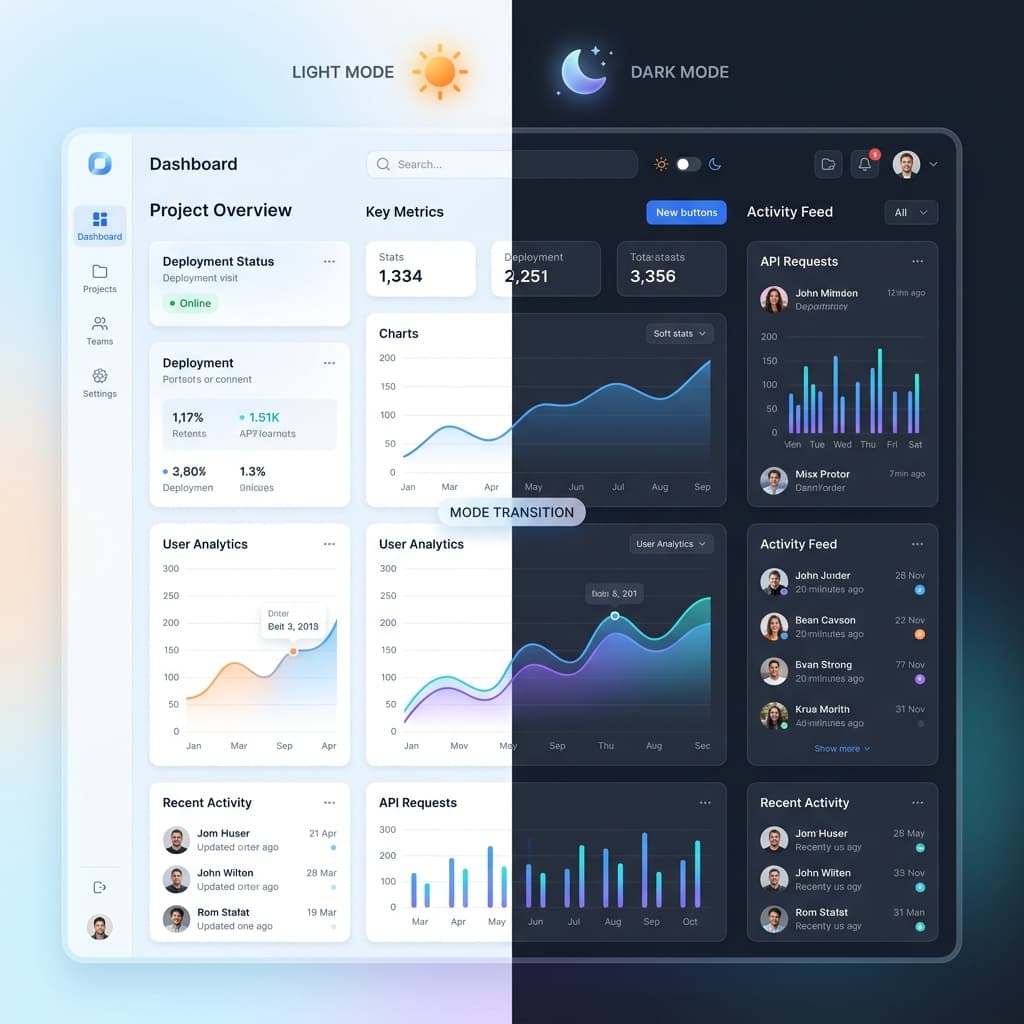
Let's be honest: a lazy dark mode is worse than no dark mode at all. If you just invert your background to pure black and your text to bright white, your users' eyes are going to hurt after five minutes of reading.
Building a great dual-theme setup is about understanding visual weight and hardware. In this guide, we'll dive into the real-world practices for structuring themes in Tailwind v4 that actually look elegant and prevent eye strain, without turning your codebase into a messy heap of dark: overrides.
The Strategy: Semantic vs. Specific Tokens
The biggest mistake developers make when starting with dark mode is relying on specific utility classes like text-slate-900 and dark:text-slate-100 on every single element. This approach leads to a massive, unmaintainable codebase where a single color change requires touching hundreds of files.
The clean approach is to use Semantic Tokens. Define a variable like --color-text-main that automatically resolves to a dark tone in light mode and a light tone in dark mode, keeping your component markup clean.
/* globals.css */
@theme {
  --color-bg-default: white;
  --color-text-main:  oklch(20% 0.02 240);

  @variant dark {
    --color-bg-default: oklch(15% 0.02 240);
    --color-text-main:  oklch(95% 0.01 240);
  }
}

/* In your components */
Clean and Maintainable
1. The Elevation Problem in Dark Mode
In light mode, we use drop shadows to simulate elevation. Light hits an object and casts a shadow on the surface below. In dark mode, shadows are nearly invisible against dark backgrounds. To solve this, we use Surface Lightness.
The closer an element is to the user (higher elevation), the lighter its background color should be. This simulates light hitting the elevated surface directly.
The Elevation Matrix
In dark mode, shadows are absorbed. We simulate depth and proximity to the viewport using incremental lightness.
The lowest layer, representing the main canvas background (e.g. #0f172a). Maximizes focus on cards.
Default container class for cards, table blocks, and lists. Adjusted +5-8% lighter to pull forward.
Reserved for modal dialogs, select dropdowns, and flyout overlays. Reinforced with strong drop shadows.
2. Avoiding "OLED Smearing" and Eye Strain
While using pure black (#000000) is tempting for battery savings on OLED screens, it causes a significant issue called OLED Smearing. When pixels are completely off, they take a few milliseconds to turn back on as the user scrolls, creating an annoying ghosting effect.
The Fix: Use a very dark gray (like oklch(12% 0.01 240)) instead of absolute black. This keeps the pixels slightly active, eliminating the smearing while still looking incredibly dark to the human eye.
2.1 Desaturating for Dark Mode
Vibrant colors that look great on white backgrounds can often feel "electric" or vibrate against dark backgrounds, causing severe eye strain. I recommend desaturating your primary colors in dark mode to keep text highly legible.
3. Accessibility and Contrast
Contrast works differently in dark mode. A 4.5:1 ratio is still the standard, but you must be careful not to create too much contrast. High-contrast white text (#FFFFFF) on a pure black background can cause "halation" - where the text appears to glow and become blurry for users with astigmatism.
Pro Tip: Aim for "Off-White" text (e.g., #E2E8F0) on your dark backgrounds to reduce the harshness while maintaining WCAG compliance.
4. Handling Status Colors (Success/Error)
Your "Success Green" and "Error Red" need specific variants for dark mode. Often, you'll want to use border-only or glow-based status indicators rather than full-color blocks, which can be overwhelming in a dark environment.
/* Dark mode status tokens */
--color-error-bg:   oklch(25% 0.1 20); /* Deep, dark red */
--color-error-text: oklch(85% 0.1 20); /* Very light, readable red */
--color-error-border: oklch(40% 0.2 20);
5. Why a Dedicated Theme Generator is Essential
Calculating the correct lightness offsets for elevation and the proper desaturation levels for dark mode is a complex mathematical process. If you try to do this manually in a color picker, you will inevitably end up with "muddy" or inconsistent results.
I built TailwindThemeMaker to automate this specific logic. The tool uses OKLCH perceptual models to ensure that your dark mode elevations are perfectly balanced and your status colors remain accessible without causing eye fatigue.
Expert Advice
"Dark mode is an accessibility feature, not just a style choice. Treat it with the same respect you give to your typography and layout. A bad dark mode is worse than no dark mode at all."
Conclusion: Consistency is Trust
A well-implemented dark mode tells your users that you care about their comfort and their environment. By using semantic tokens, layered elevation, and hardware-conscious color choices, you build a UI that feels premium and professional 24 hours a day.
