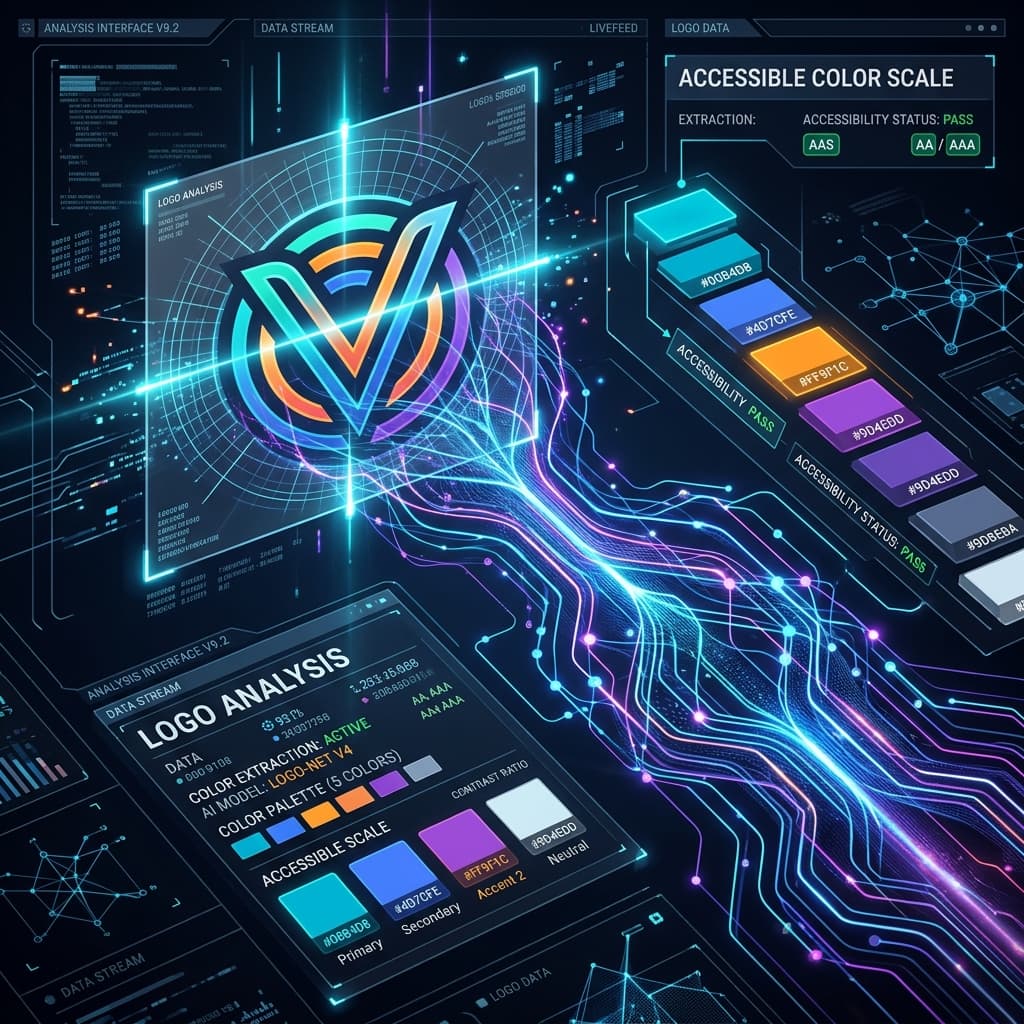
In the past, copying colors from an image meant using a digital eyedropper tool to grab a couple of hex codes. But let's be real: a list of raw hex codes is not a design system. You still have to figure out neutrals, borders, active hover states, and dark mode values.
That's why AI-powered extraction is a complete game-changer. An intelligent extraction tool does not just grab random pixel coordinates; it actually analyzes the color harmony, detects dominant accents, and constructs balanced, WCAG-compliant scales. Let's look at how this color science works.
The Math of AI Extraction: Pixel Clustering
When you upload an image (like a brand logo or a UI screenshot), the AI model runs a K-Means clustering algorithm across the RGB color space. K-Means group pixels of similar hues, identifying the 5 or 6 most dominant colors while filtering out background noise or transient shadows.
Once the dominant "accent colors" are found, the AI doesn't just stop there. It uses color harmony rules (Analogous, Monochromatic, or Complementary) to programmatically generate matching neutral tones (cool grays for corporate brands, warm stone shades for organic/creative brands) to establish a cohesive foundation.
Translating Pixels into Tailwind v4 @theme Tokens
The output of the extraction is mapped directly into functional theme variables. A raw blue hex code from a logo is mathematically scaled to produce a full 11-step OKLCH range:
- Brand Main: Placed at Shade 500 for primary buttons.
- Hover Action: Calculated at Shade 600 or 700.
- Brand Surface: Generated at Shade 50 (light mode) and Shade 950 (dark mode).
Our image extractor automates this entire process. You simply drag in a brand graphic, and it instantly builds out a balanced palette, checks contrast compliance, and provides copy-paste ready Tailwind v4 code in seconds.
