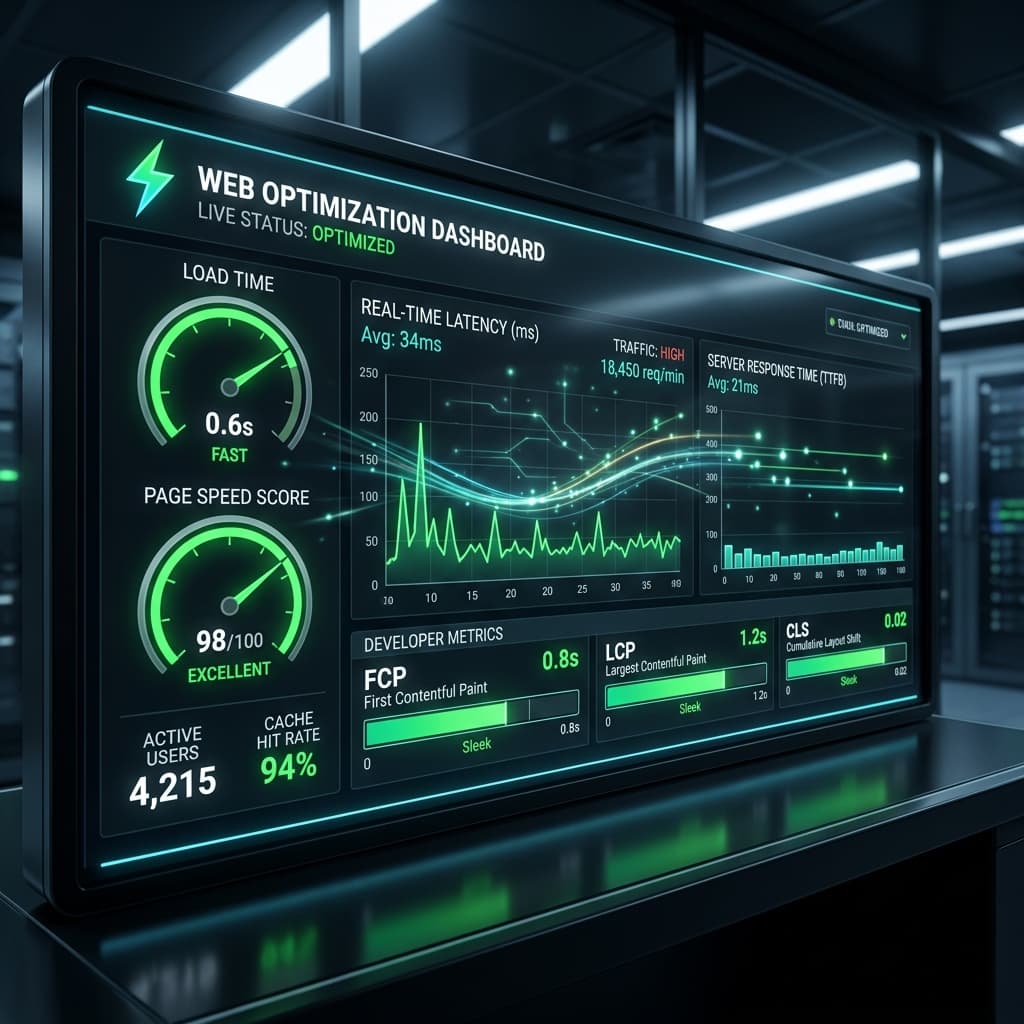
Motion brings an interface to life. A gentle entrance transition guides a user's attention, and interactive hover feedback makes button clicks feel satisfying. However, if your animations are laggy, they will ruin the experience and increase battery drainage.
To build smooth, premium animations, you must understand browser rendering engines and offload animation execution to the GPU (Graphics Processing Unit). Let's look at the science of hardware-accelerated performance.
The Browser Rendering Pipeline: Reflow vs. Composite
When an element's style changes, the browser goes through three distinct layout steps: Layout (Reflow), Paint, and Composite.
- Reflow: Recalculates the position and size of all elements. This is highly CPU-intensive. Properties like
width,height,top, andlefttrigger Reflow. Animating these will cause significant frame rate drops. - Paint: Fills in the pixels of the elements. Triggered by properties like
background-colorandbox-shadow. - Composite: Sends the pre-rendered layers directly to the GPU to be moved or blended. This is incredibly fast. Only
transform(scale, rotate, translate) andopacityrun entirely in the Composite phase.
Performance Rule
"To guarantee smooth 60fps animations, only animate transform and opacity properties. Offloading motion execution to the GPU ensures buttery-smooth rendering, even on lower-end devices."
centralizing Motion in Tailwind v4
Tailwind v4 makes custom animations incredibly clean by allowing you to define your custom @keyframes and transitions directly in the @theme block. This keeps your design system's motion guidelines centralized and highly performant.
