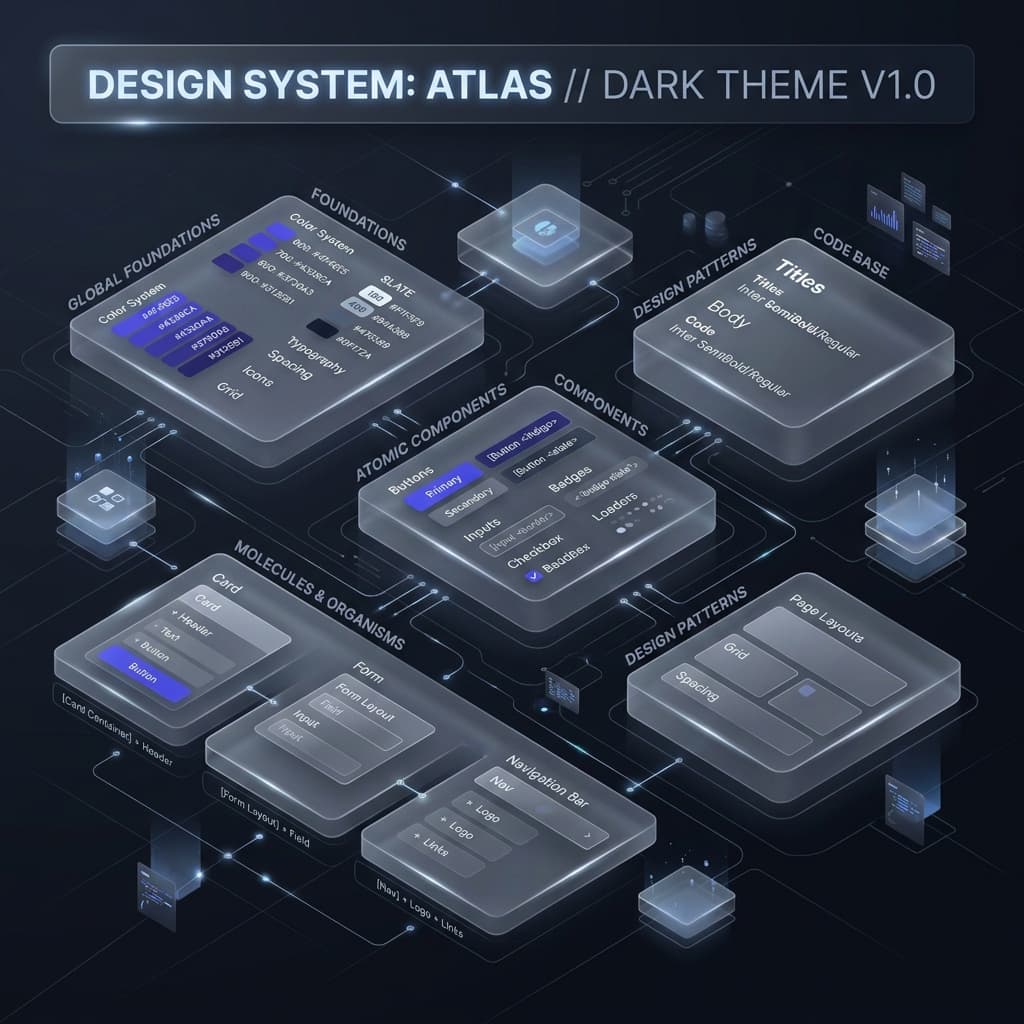
Maintaining a consistent design system is hard enough when you are just building for the web. But when your product spans a web dashboard, an iOS app, and an Android app, keeping colors, shadows, and spacing in sync becomes a full-time job.
If you're manually copy-pasting hex codes from your Figma boards into your stylesheet, then translating them into React Native objects, and finally writing them as Dart class properties, you are wasting time and introducing errors. In this guide, we'll cover how to establish a single source of truth for your design system tokens and export them cleanly to any platform.
The Problem: Divergent Platform Architectures
Web browsers, React Native (Yoga engine), and Flutter (Skia/Impeller) all render styles differently. Because of this, they expect tokens in completely different structures:
- Web (CSS & Tailwind v4): Expects native CSS variables (e.g.
--color-brand-default) using units likeremoroklch()coordinates. - React Native: Does not support CSS or native fallback arrays. It expects typed TypeScript/JavaScript theme objects, utilizing pure numeric pixel dimensions for sizing, and structured objects for shadows and linear gradients.
- Flutter (Dart): Expects strongly typed Dart static classes (e.g.
AppColors.brand) mapping toColor(0xFF...)hex numbers, and a customizedThemeExtensionclass to slide custom parameters into the Material 3ThemeDatacontext.
Step 1: Establishing a Canonical Design Token Schema
To keep styles consistent, you must establish a Canonical Theme Schema that sits in the middle. The canonical theme acts as a platform-agnostic representation of your system's tokens. Instead of hardcoding platform-specific details, define all tokens using a simple structure that contains both the normalized value (e.g., number for mobile) and the raw representation (e.g., string for CSS scaling):
export interface TokenValue<T> {
  value: T;    // E.g. 16 for mobile rendering
  raw: string; // E.g. "1rem" for web scaling
}
Step 2: Automating Platform-Specific Conversions
Once you have a canonical theme representation, you can write automated transformers to translate variables into platform-friendly equivalents:
2.1 Box Shadow Translation
React Native cannot parse standard CSS shadow declarations like 0 4px 6px rgba(0,0,0,0.1). Your translation engine must parse these strings, extract colors, offsets, blurs, and spread parameters, and output structured shadow configurations:
// React Native expects:
shadows: {
  md: {
    shadowColor: '#000000',
    shadowOffset: { width: 0, height: 4 },
    shadowOpacity: 0.1,
    shadowRadius: 6,
    elevation: 3,
  }
}
2.2 Color Code Formats
While browsers read HSL or Hex, Flutter requires hexadecimal color values inside its specific wrapper: Color(0xFFCC3354). Convert HSL variables programmatically during the export process to guarantee color fidelity across screens.
Step 3: Creating a Single Source of Truth
Instead of manually rewriting style lists, utilize a centralized design compiler tool. That's why I built the modular Design Token Engine in TailwindThemeMaker.
By defining your brand palette in one dashboard, the engine automatically compiles the CSS files for your web app, generates the TypeScript theme variables for React Native, and builds the Dart theme files for Flutter. This guarantees 100% color and spacing consistency across your entire product ecosystem with zero manual conversion work.
Conclusion
A consistent user experience builds trust. By automating your design token compilation and shipping unified variables across web and mobile codebases, you save engineering time and ensure that your brand looks exactly the same on a desktop monitor as it does on a mobile screen.
